CoinPoker Hand History - How to View, Export & Replay
Three clicks to any hand you have ever played - and everything the 2026 HUD ban changed about what you can do with the data. The 60-second answer first, details after.
View your hand history - 3 steps
- Open the CoinPoker client and click your profile avatar (top right).
- Select Hand History from the menu - hands are grouped by session and table.
- Filter by date, stake or game type; click any hand to open it in the replayer.
Export your hands
The Hand History screen offers text export per session - standard hand-history format that analysis tools can parse. Since the 2026 policy change, export is designed for post-session study: you can review, mark and share hands, but real-time feeds into tracking overlays are blocked.
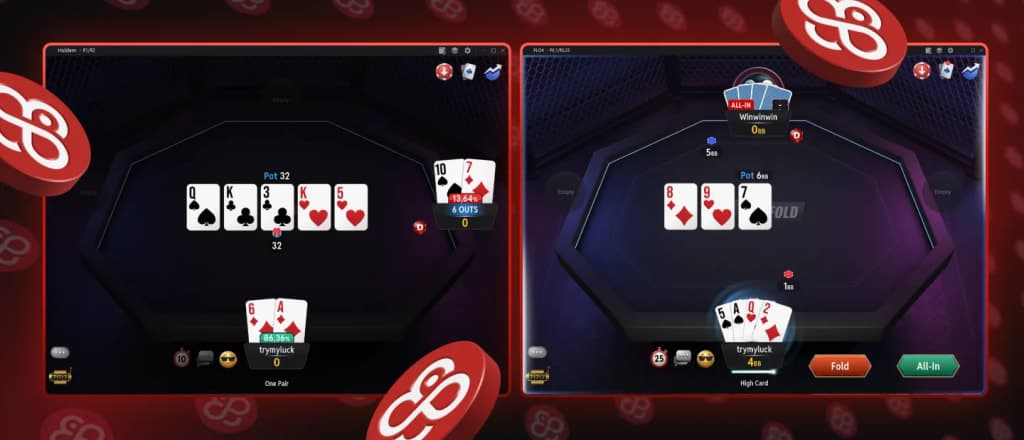
Replay is built in: every hand opens in the replayer with the Strength Indicator, and PokerIntel aggregates your own stats (Skill Score, Showdown Meter) inside the client - the room's answer to "study without a HUD".
The 2026 HUD ban - what changed
In June 2026 CoinPoker banned HUDs and third-party tracking tools outright. Hand histories remain yours to view, replay and export - what is prohibited is live overlays and shared opponent databases. Practical translation: your own game is fully studyable; datamining opponents is not.
Study workflow without a HUD
- During session: mark interesting hands (one click in the client) instead of taking notes.
- After session: export the day's hands, run the marked ones through the replayer or your solver.
- Weekly: check PokerIntel's Skill Score trend - it flags the streets where you leak the most.
Get on the tables
FAQ
Related: App & download guide