CoinPoker App & Download - Android, iOS, Desktop (2026)
How to get CoinPoker running on any device in under five minutes, including Android .apk sideload, iOS web-app setup, and safety checks before install.
The CoinPoker lobby and tables
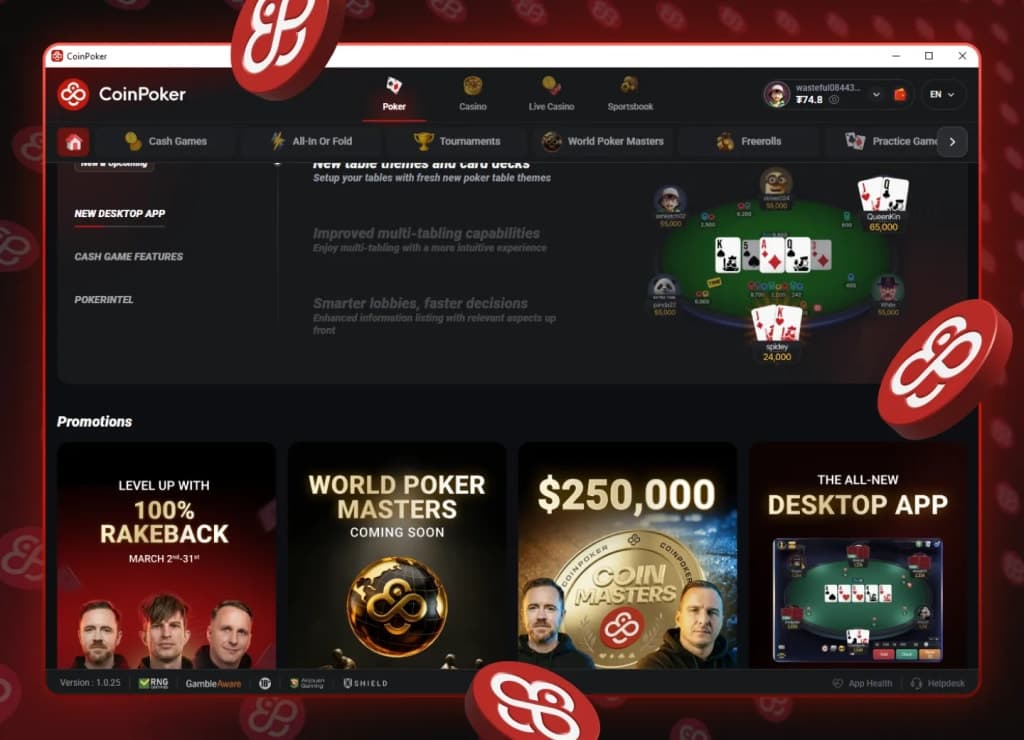
Lobby screenshot placeholder - replace with current test-account capture.
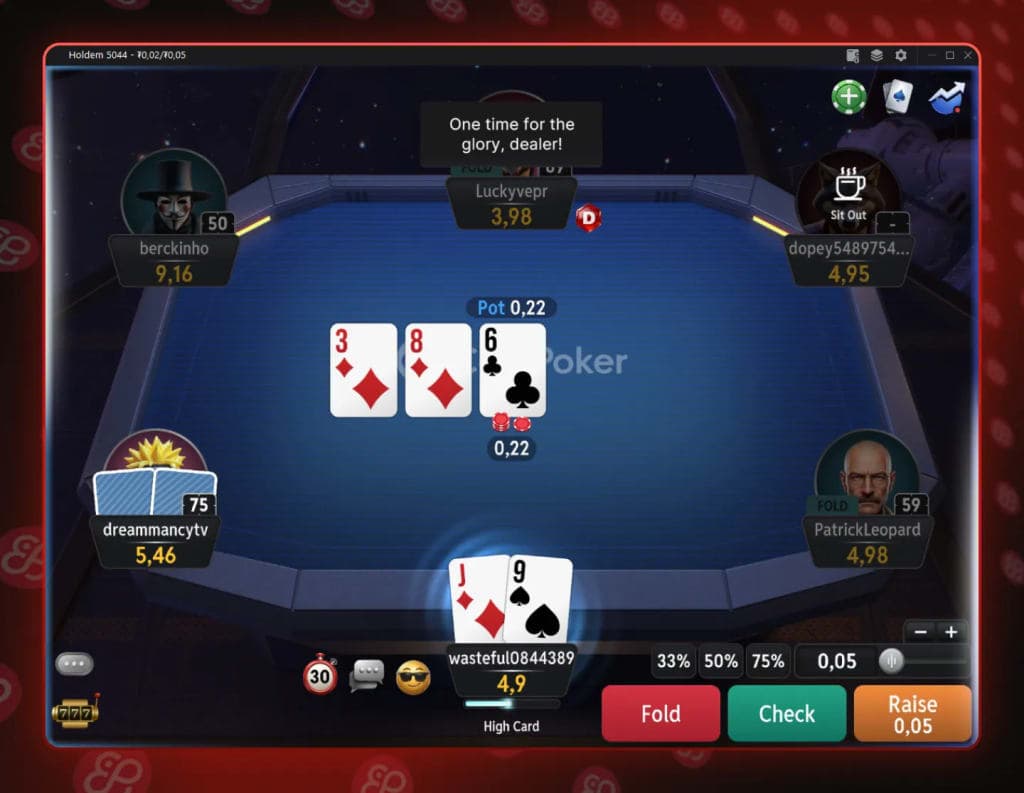
Table gameplay screenshot placeholder - replace with current in-client hand view.
Get started
Install guide by platform
 Windows
- Download the installer from CoinPoker (about 150 MB).
- Run the .exe. Windows SmartScreen may ask you to confirm before install.
- Log in or register, then let the client auto-update to the latest build.
Full feature set: multi-tabling, hand history, replayer, casino and sportsbook tabs.
Download for Windows macOS
macOS- Download the .dmg from the official site.
- Drag the app to Applications and approve first launch if prompted.
- Log in and update in-app to stay on the latest version.
Feature parity with Windows, including modern Apple Silicon support.
Download for Mac Android
- Download the .apk directly from the official site.
- Allow install from unknown sources for your browser when Android asks.
- Open the .apk, install, and sign in. Updates arrive in-app.
Android real-money poker apps are commonly distributed by direct .apk outside Google Play.
Download the .apk iOS / iPad
- Open the official site in Safari and log in.
- Tap Share and choose "Add to Home Screen".
- Launch from the icon and play in the browser-based client.
There is no App Store client. The web app is stable, but desktop-style multi-tabling is more limited.
Open the web appIs the CoinPoker app safe?
Yes, as long as you only download from the official source. Android distribution through a direct .apk is common in real-money poker because app-store policy is stricter than browser distribution.
The client connects to the same account and game infrastructure across devices. For licensing, trust checks, and our test-method notes, see Is CoinPoker legit?.
System requirements and multi-tabling
- Desktop: most Windows 10+ and macOS 12+ machines run the client comfortably.
- Multi-tabling: mobile is limited, desktop supports broader tiled layouts for serious grind sessions.
- Mobile data: gameplay is lightweight and reconnect behavior is generally stable after short network drops.
Payments from the app
CoinPoker accepts USDT, USDC, BTC, ETH, SOL, BNB, POL, TRX for crypto, plus Visa, Mastercard, Apple Pay, Google Pay, PIX for fiat top-ups.
Deposits and withdrawals work similarly across platforms, with crypto cashouts typically processed quickly.